Generate bilingual subtitles for YouTube videos
No subtitles on a YouTube video? Generate original-language subtitles and a translation.
From YouTube link to bilingual subtitles
- 1
Transcribe the original audio
Paste a public video link and select the language spoken in it.
- 2
Review and translate
Save corrections to the transcript, then choose a target language and generate the translation.
- 3
Watch with bilingual subtitles
Display the original and translated subtitles together in the web player.
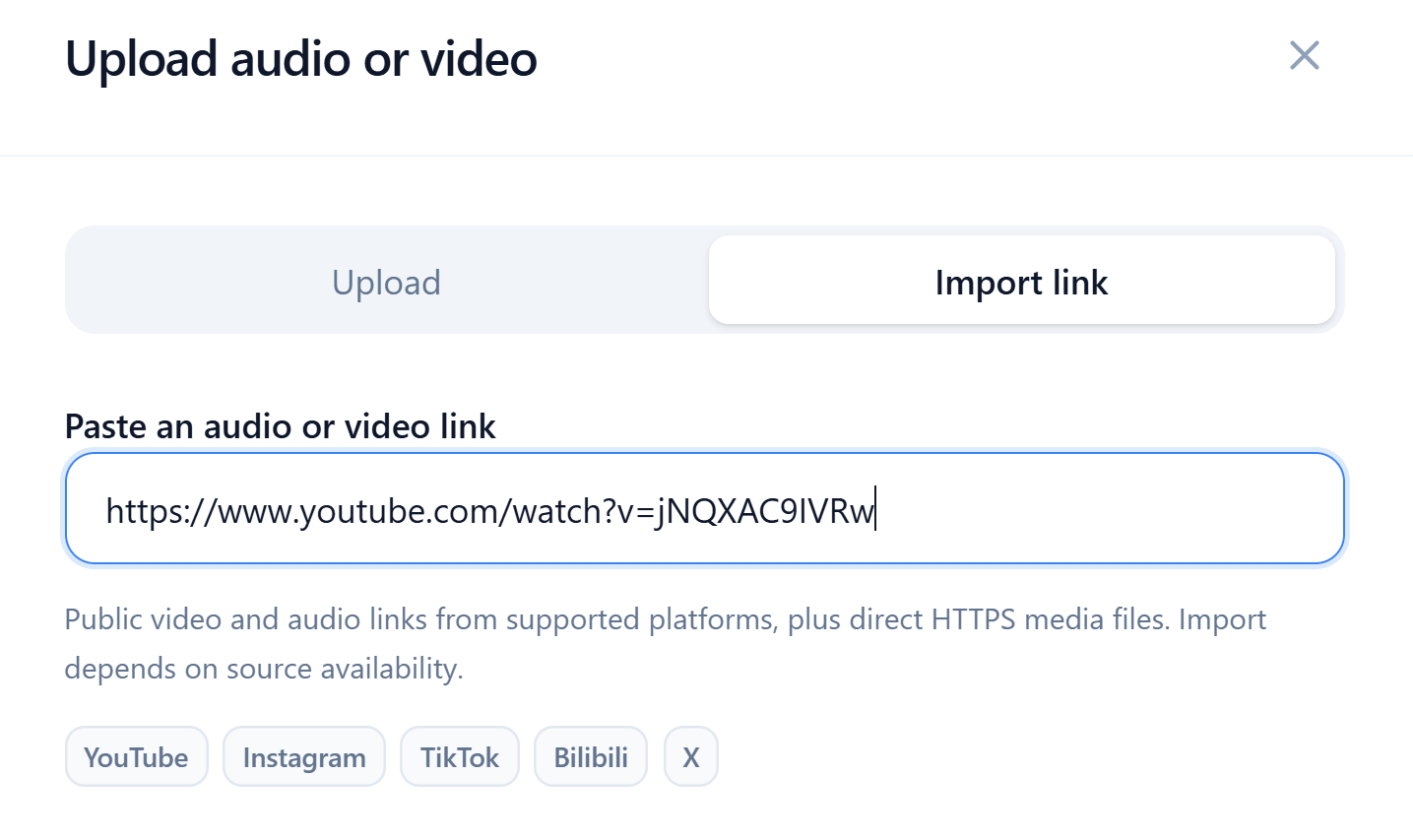
Import watch-page links or short links
Both youtube.com/watch URLs and youtu.be links are supported, with no need to download the video locally and upload it first.
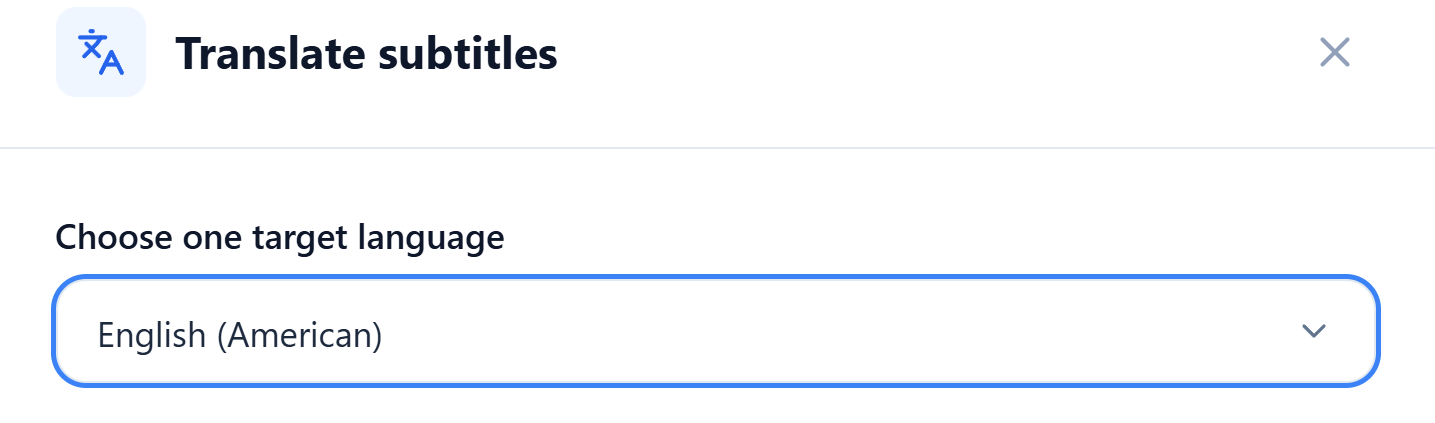
Read the subtitles in your language
Choose English (American) to add an English translation to a Japanese video. You can also select another supported target language.
Edit the original and translation line by line to correct names, terms, or phrasing.
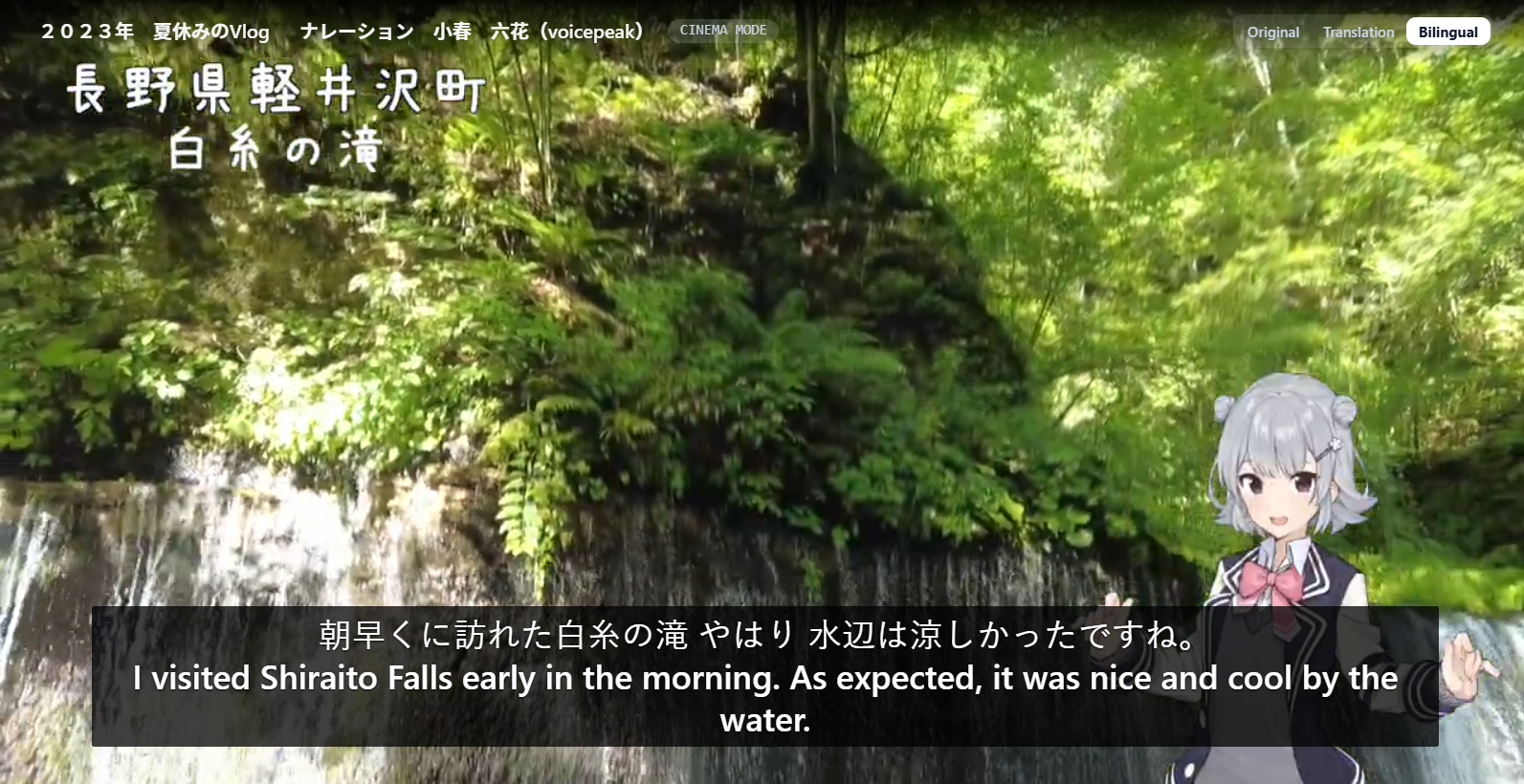
Watch with the original and translation together
Cinema mode displays both subtitle languages over the video. Pause on an unfamiliar expression to compare the lines.
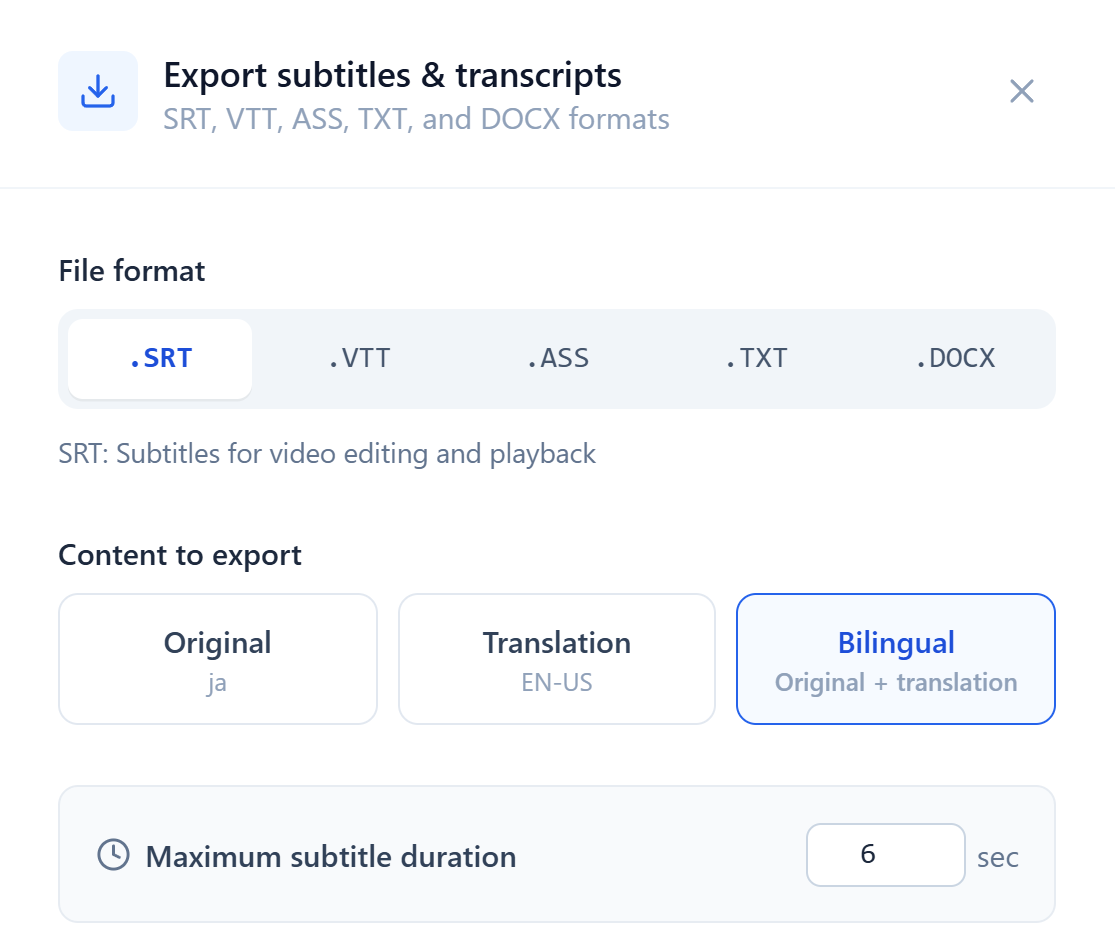
Export bilingual subtitles or a transcript
SRT, VTT, and ASS retain subtitle timings. With a saved translation, choose the original, translation, or bilingual text for a compatible player or video editor.
When you need a transcript, export a plain-text TXT or Word (DOCX) file for easy copying, editing and organization.