French to English subtitles
Turn French speech into English subtitles and watch with both languages on screen.
Drop an audio or video file here, or click to browse
.mp3, .wav, .m4a, .mp4, .mov
Add English subtitles to French content
- 1
Upload French audio or video
Upload or import a link, then set the audio language to French.
- 2
Review French, translate to English
Correct the French transcript, then generate an English translation.
- 3
Watch bilingual or export subtitles
View French and English together on screen, or download subtitle files.
Replay and check the French transcript
Click a sentence in the French transcript to replay that part of the recording. Correct any words that were misheard and save your changes.
Use keyword search to find a passage in a long recording. Check the surrounding sentences before taking a quote.
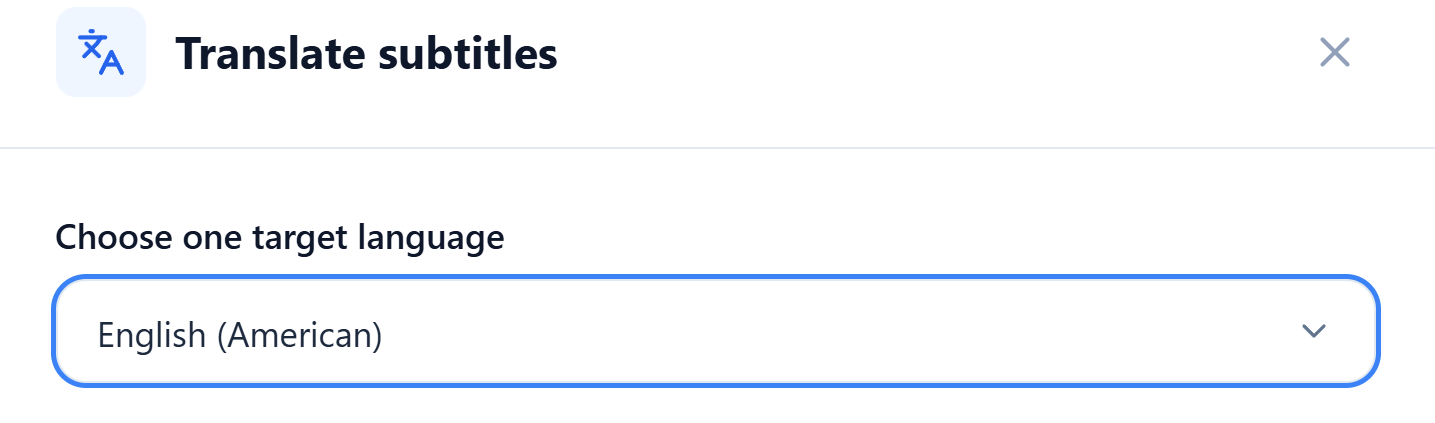
Read in English, compare with the French
Set the translation target to English. Once the translation is ready, you can edit the French original and English translation separately. Open Cinema mode and select Bilingual to watch with both languages together.
For a French film, use bilingual view to follow the dialogue in English. Replay a line to compare the English subtitle with what you hear.
Export French and English subtitles or transcripts
Choose Original to keep French, Translation to keep English, or Bilingual to keep French and English together. Export SRT, VTT or ASS subtitles for compatible players or editing tools.
Export a TXT transcript to copy a quote into your notes, or choose Word (DOCX) to add comments as you read.
Understand the French content you enjoy
Follow the dialogue in English and keep French expressions you want to learn.