Generate subtitles for your videos automatically
Turn spoken audio in a video into timed subtitles.
Drop an audio or video file here, or click to browse
.mp4, .mov, .mkv, .webm
Sign up to try transcription for free.
From video to subtitle file
- 1
Choose a video and its spoken language
Select a video with speech, then set the language spoken in it.
- 2
Review the transcript
Check each subtitle in the editor and save corrections.
- 3
Download subtitles
Choose a format and export the timed subtitle file.
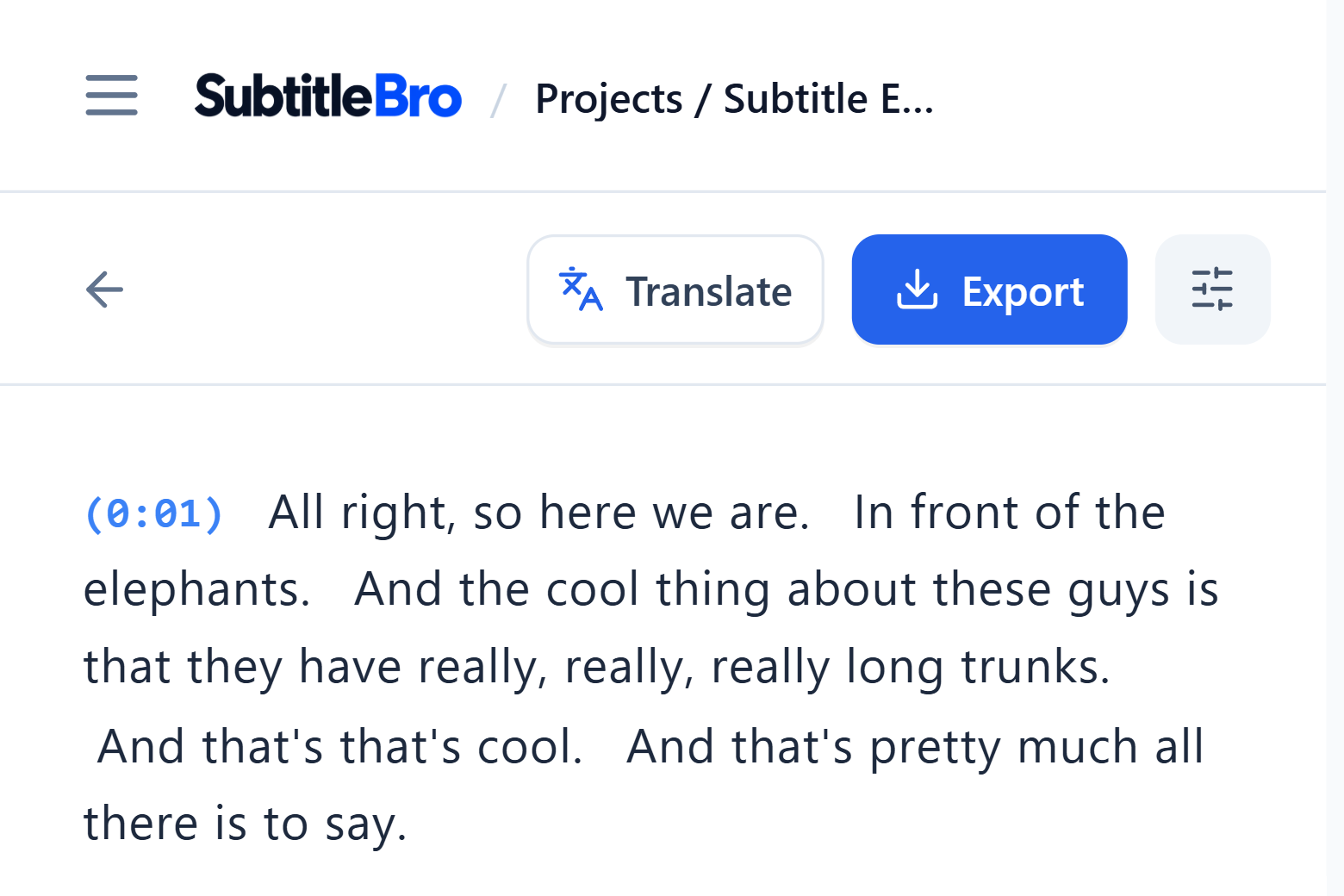
Replay a line from its timestamp
The editor shows each original subtitle in sequence. Select a timestamp to hear that part of the video, then correct names, terms, or punctuation.
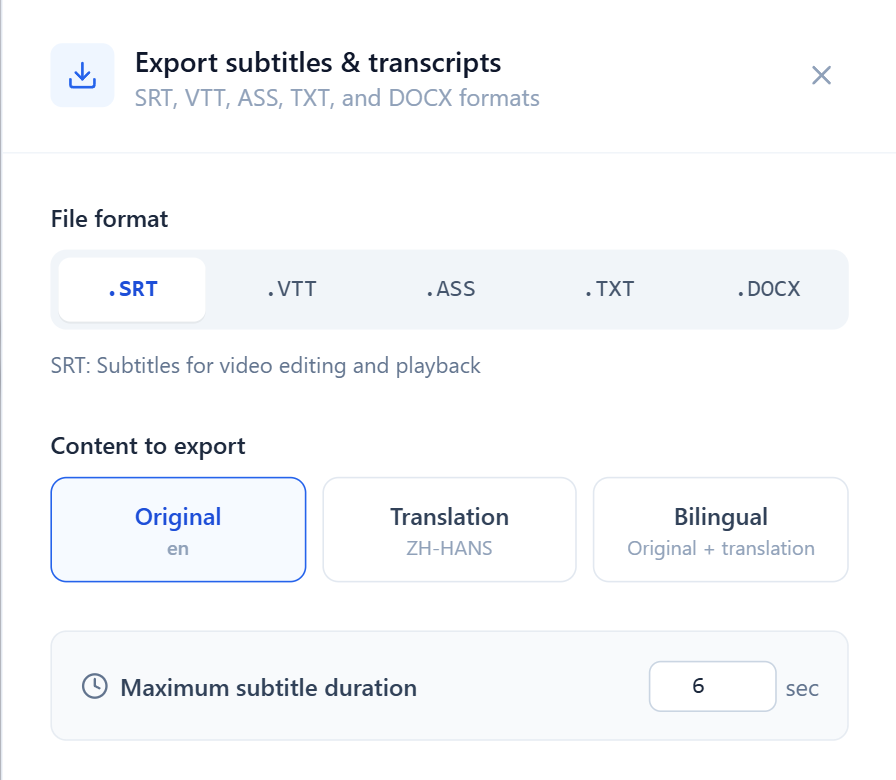
Export SRT, VTT, or ASS subtitles
Set a maximum duration per subtitle (six seconds by default). Download the original-language subtitles in a format supported by your player or editing software.