Turn TikTok speech and dialogue into text
Generate subtitles from TikTok audio and turn them into an editable transcript.
From a TikTok link to a transcript
- 1
Paste a TikTok link
Copy the public video page URL or a short share link.
- 2
Transcribe and check the dialogue
Select the language spoken in the video. Generate subtitles, then replay names, informal speech and connected phrases.
- 3
Choose subtitles or a transcript
Download SRT to continue making subtitles, or TXT to organize the spoken script.
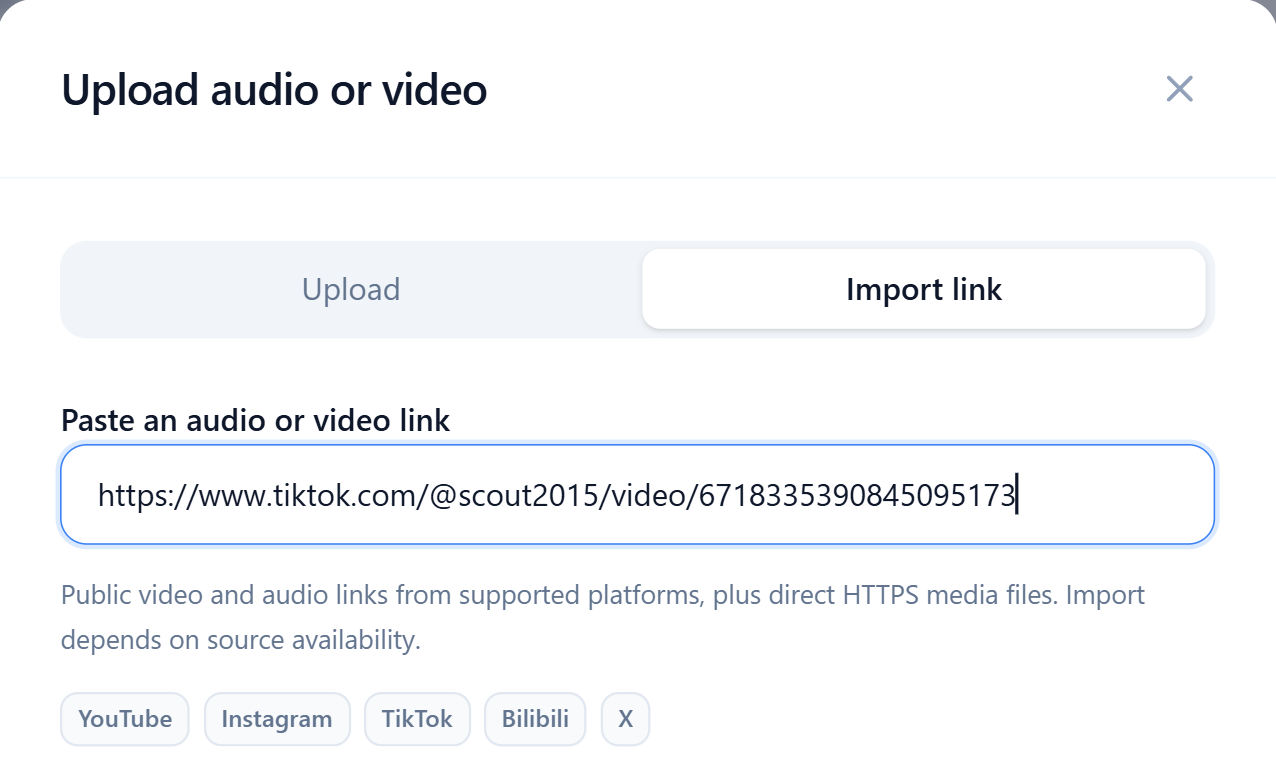
Import TikTok video links directly
Use a TikTok video page URL or a vm.tiktok.com or vt.tiktok.com share link. Paste the full HTTPS address to continue to transcription settings.
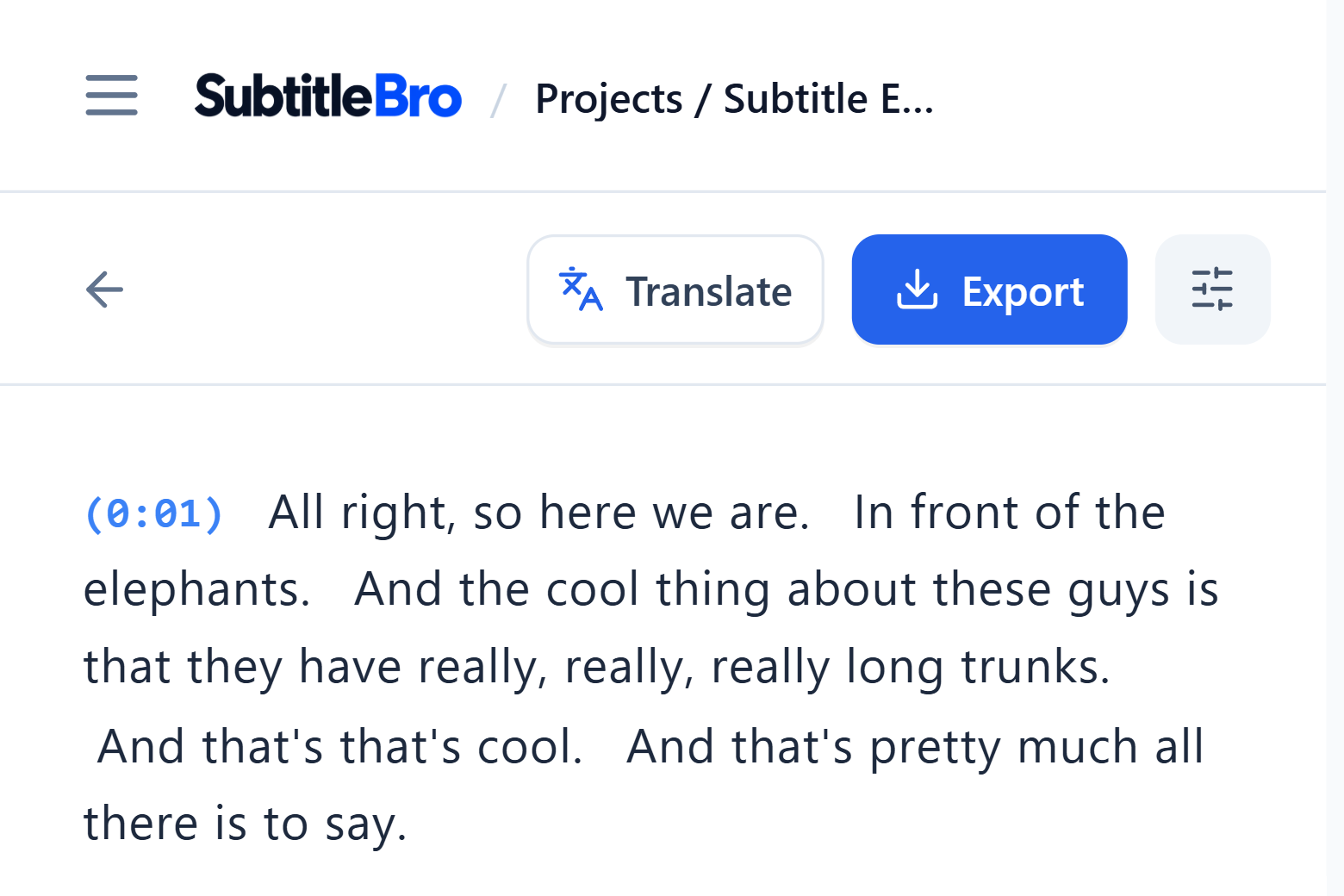
Replay the audio and check each line
Click a subtitle timestamp to replay that segment, then edit the transcript. Check contractions, product names and people's names in fast-paced speech.
For TikTok short dramas, start with a transcript of the characters' dialogue, review each line, then use it to make subtitles.
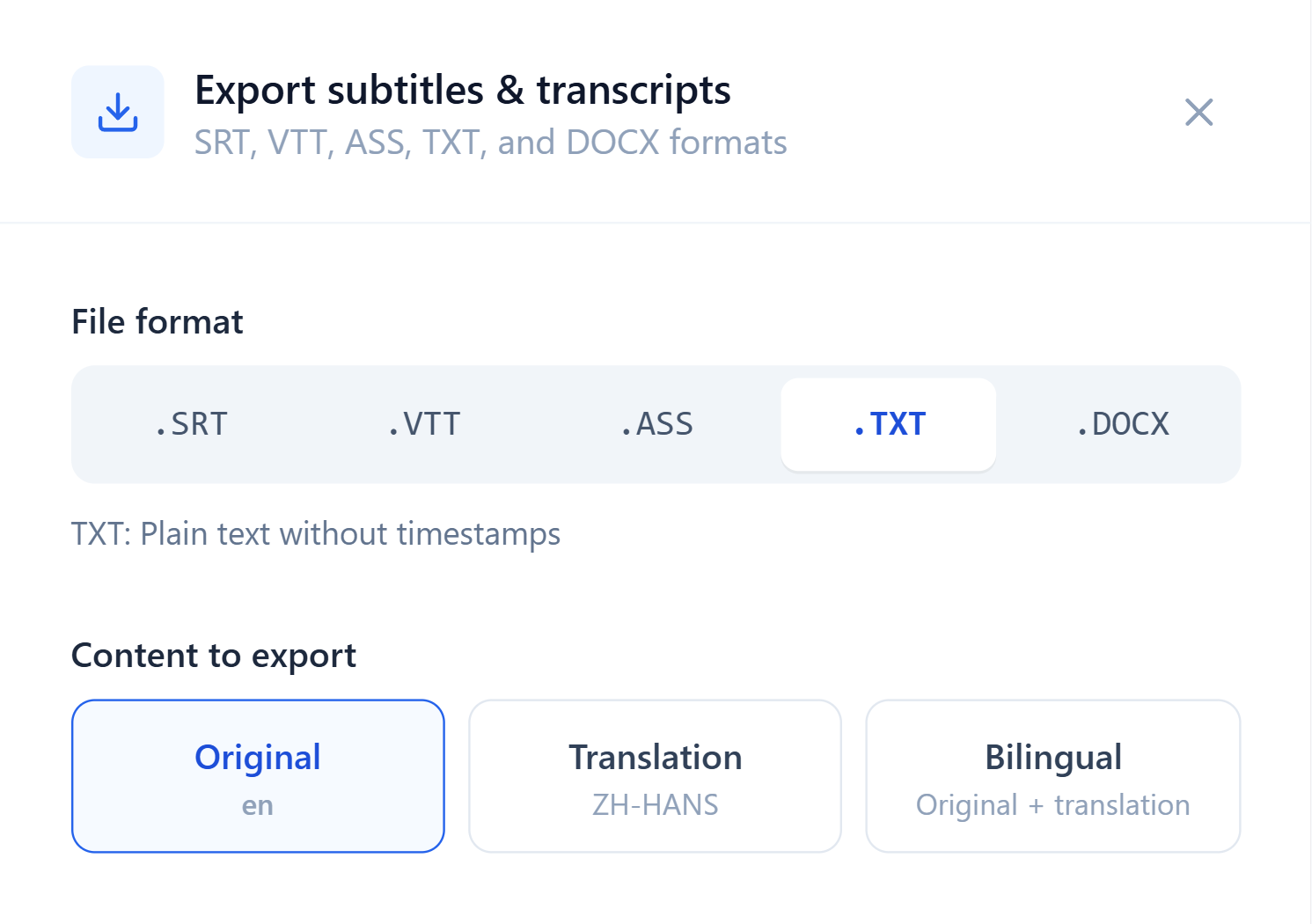
Keep timings in SRT or save spoken content as TXT
To add subtitles to a TikTok video, export a timed SRT file and import it into an editing tool that supports SRT. You can set the maximum duration of each subtitle when exporting.
Choose TXT to extract the spoken script without subtitle numbers or timecodes. Use it to organize hooks, product highlights and dialogue.
Save the words from your next video
Review your own spoken content as you revise your next script.