Chinese to English Subtitles
Generate English subtitles for Chinese videos, with the Chinese dialogue available for comparison.
Drop an audio or video file here, or click to browse
.mp3, .wav, .m4a, .mp4, .mov
From Chinese speech to English subtitles
- 1
Upload Chinese audio or video
Add a file and set the audio language to Chinese.
- 2
Review Chinese, translate to English
Correct the Chinese transcript, then generate an English translation.
- 3
Watch bilingual or export subtitles
View Chinese and English together, or download subtitle files.
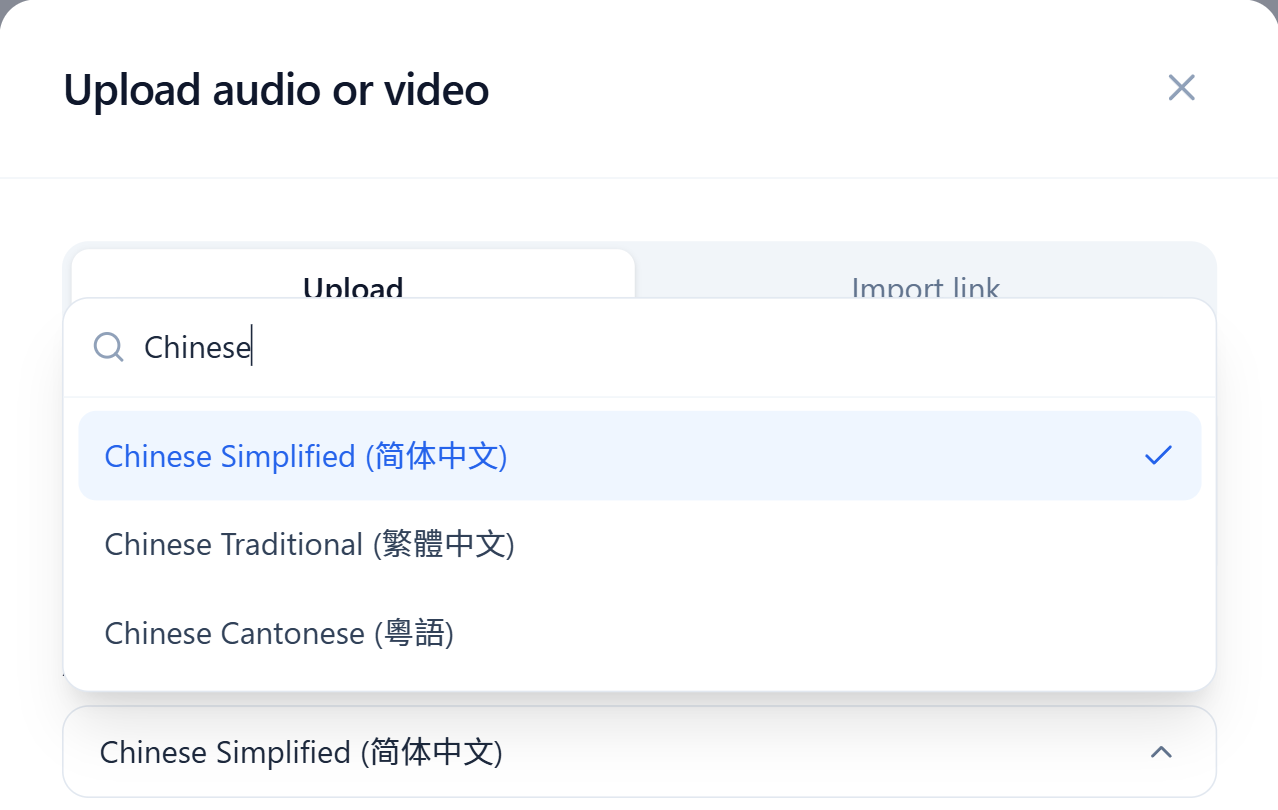
Start with a Chinese transcript
Upload a Mandarin recording or video. In the audio language settings, choose Chinese (Simplified) or Chinese (Traditional) to set the script used for the original transcript.
The spoken language stays Chinese. Choosing a script changes the Chinese text; select English separately when translating.
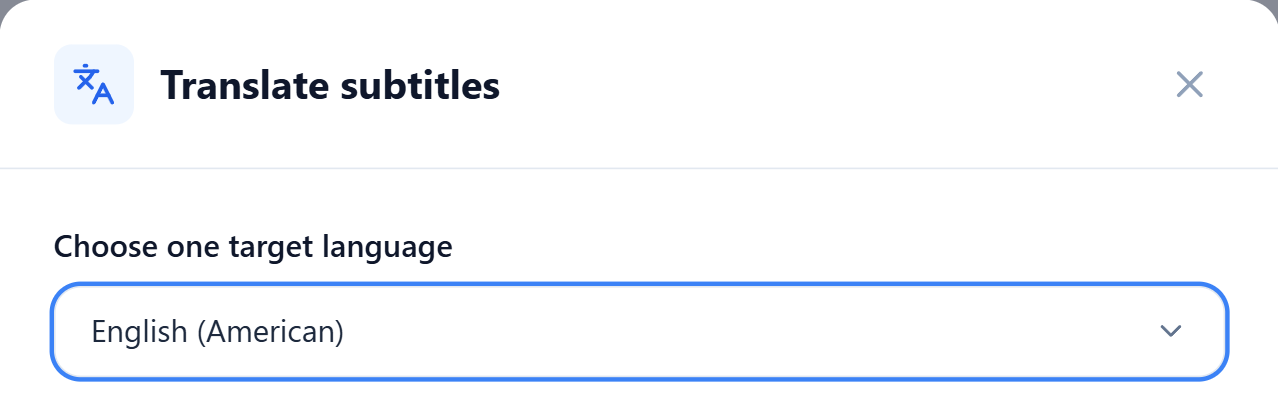
Check the Chinese dialogue before translating
Click a sentence to replay the source audio and check names or unfamiliar terms. Save any corrections before choosing English as the translation target.
For a Chinese cooking video, compare the English instructions with the original dialogue. Switch to bilingual viewing to keep both subtitle lines on screen.
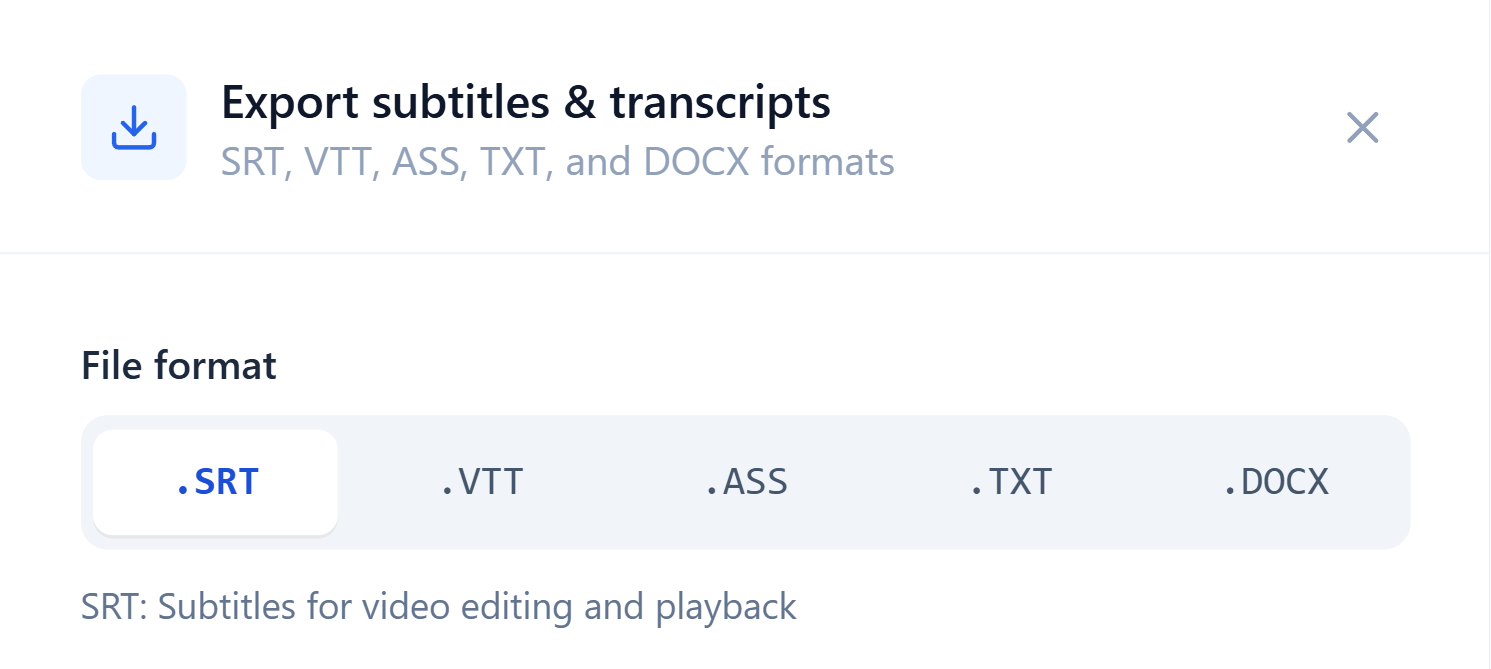
Download English or Chinese–English subtitles
Export SRT, VTT or ASS files. Original keeps the Chinese text, Translation keeps English, and Bilingual includes Chinese and English together.
For a transcript rather than timed subtitles, export TXT or Word (DOCX). Use the English text as a reference when writing your own notes.
Follow Chinese videos in English
Keep the Chinese dialogue beside the English subtitles when a phrase needs a closer look.