English Speech to Text
Turn English recordings, speeches and videos into editable English transcripts.
Drop an audio or video file here, or click to browse
.mp3, .wav, .m4a, .mp4, .mov
From an English recording to an English transcript
- 1
Upload a file and choose English
Add your English audio or video file, then select English as the spoken language in transcription settings.
- 2
Listen back and review the text
Check wording, punctuation and proper names against the recording, then save your edits.
- 3
Export the original English
Choose Original when exporting, then download a TXT or Word transcript.
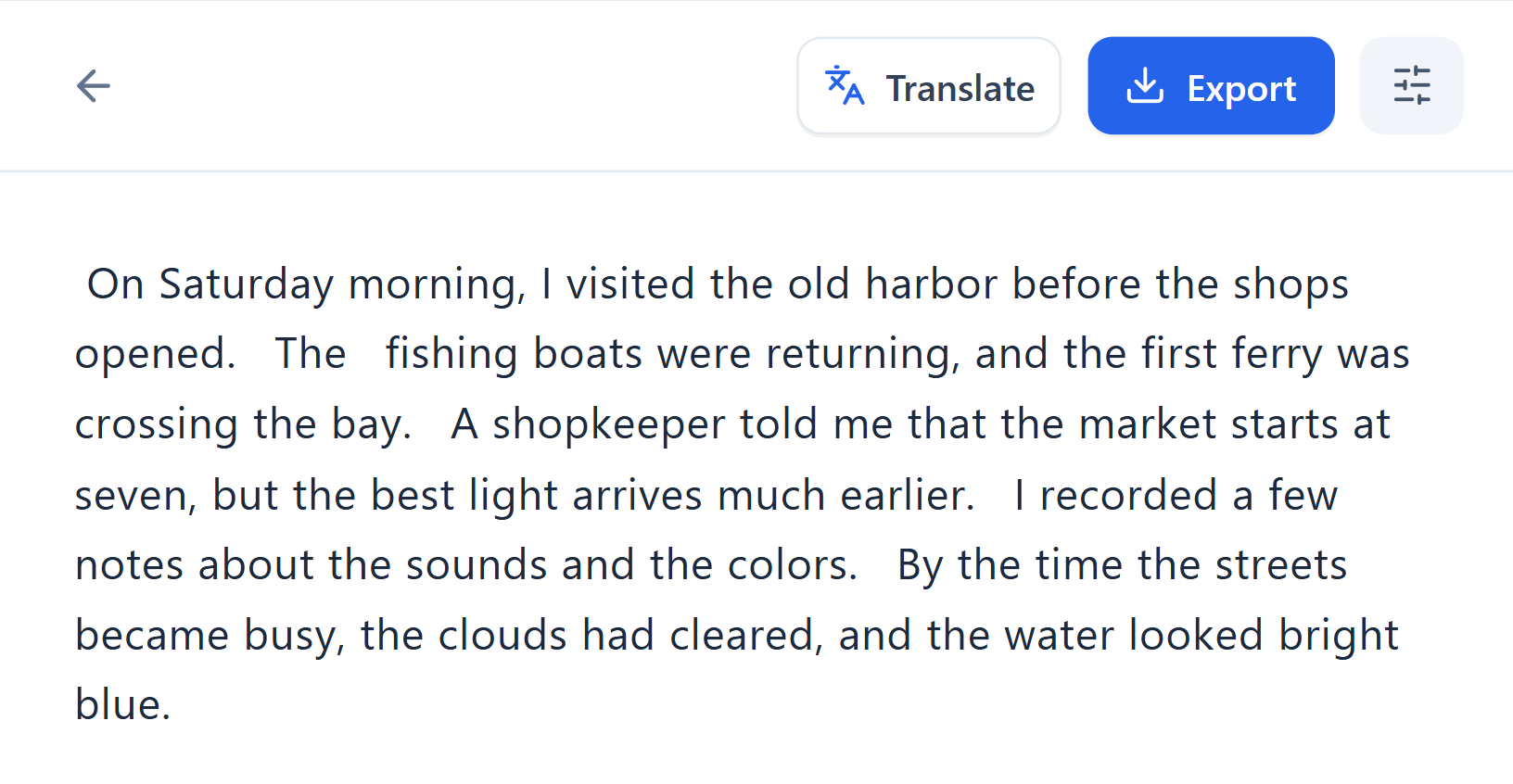
Review English punctuation and capitalization
For recordings in American, British or Australian English, choose the same English recognition option to keep the spoken content in English. Read lectures, podcasts and speeches as transcripts.
Replay connected speech and unfamiliar words. Check sentence capitalization, names and abbreviations. Edit words and punctuation so your notes and quotations reflect what was said.
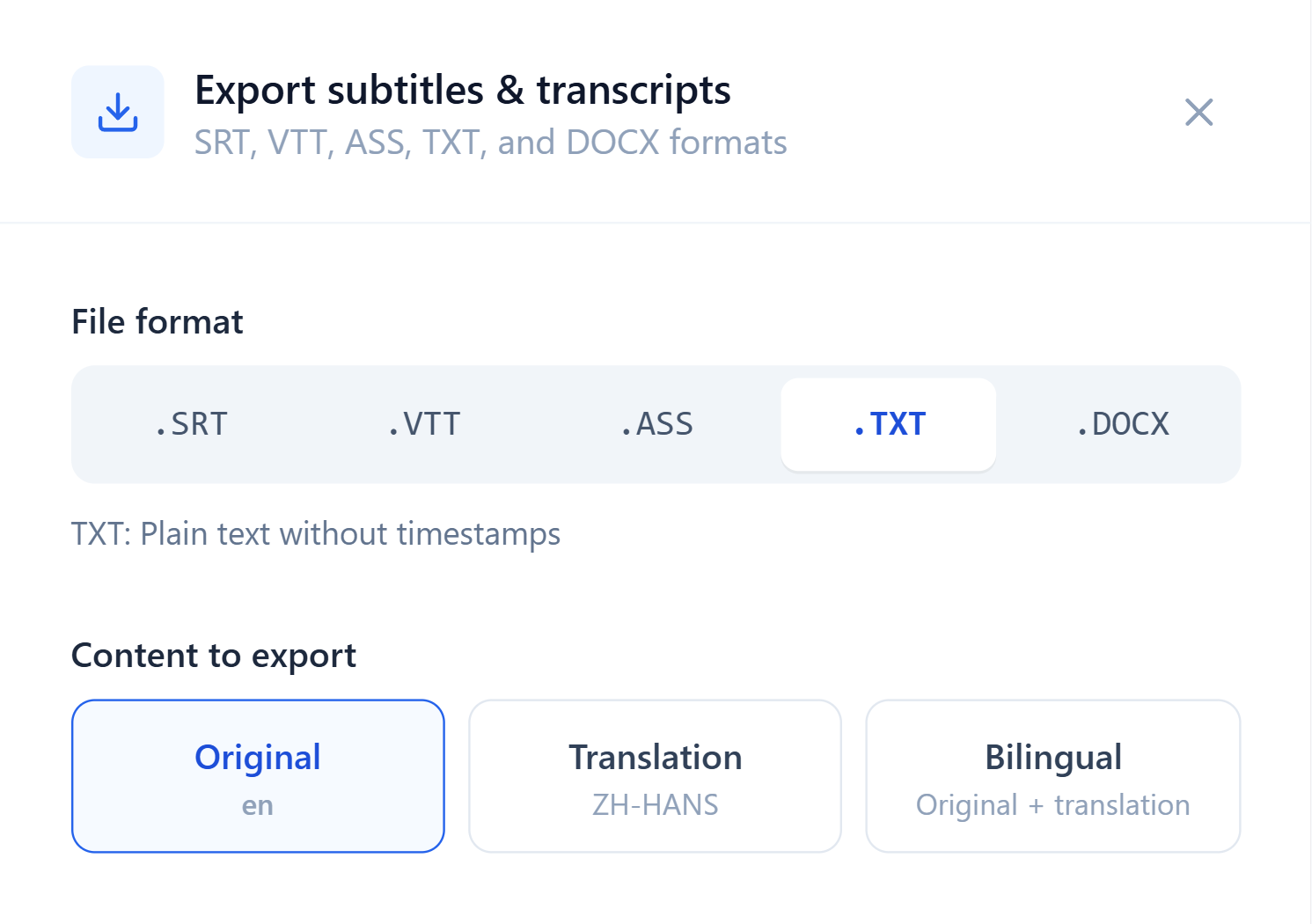
Export English text as TXT or Word
Choose Original when exporting to keep the English text. Copy a TXT transcript into your notes or text tools, or use a Word document for further editing, annotation and organization.
When working with an English speech transcript, search for keywords and replay the relevant passages to prepare class notes or select excerpts.
Keep an English transcript of what was said
Review the original words when taking study notes or quoting a speech.