Generate subtitles for X (Twitter) videos
Follow news clips, interviews and global stories with subtitles in a language you understand.
From a post link to bilingual viewing
- 1
Copy the public post link
Paste the full x.com or twitter.com URL of a post that contains a video.
- 2
Transcribe, review and translate
Select the spoken language. Check the transcript, then choose a target language for translation.
- 3
Watch with bilingual subtitles
Switch to bilingual display in the editor, then open cinema mode to follow the original and translation together.
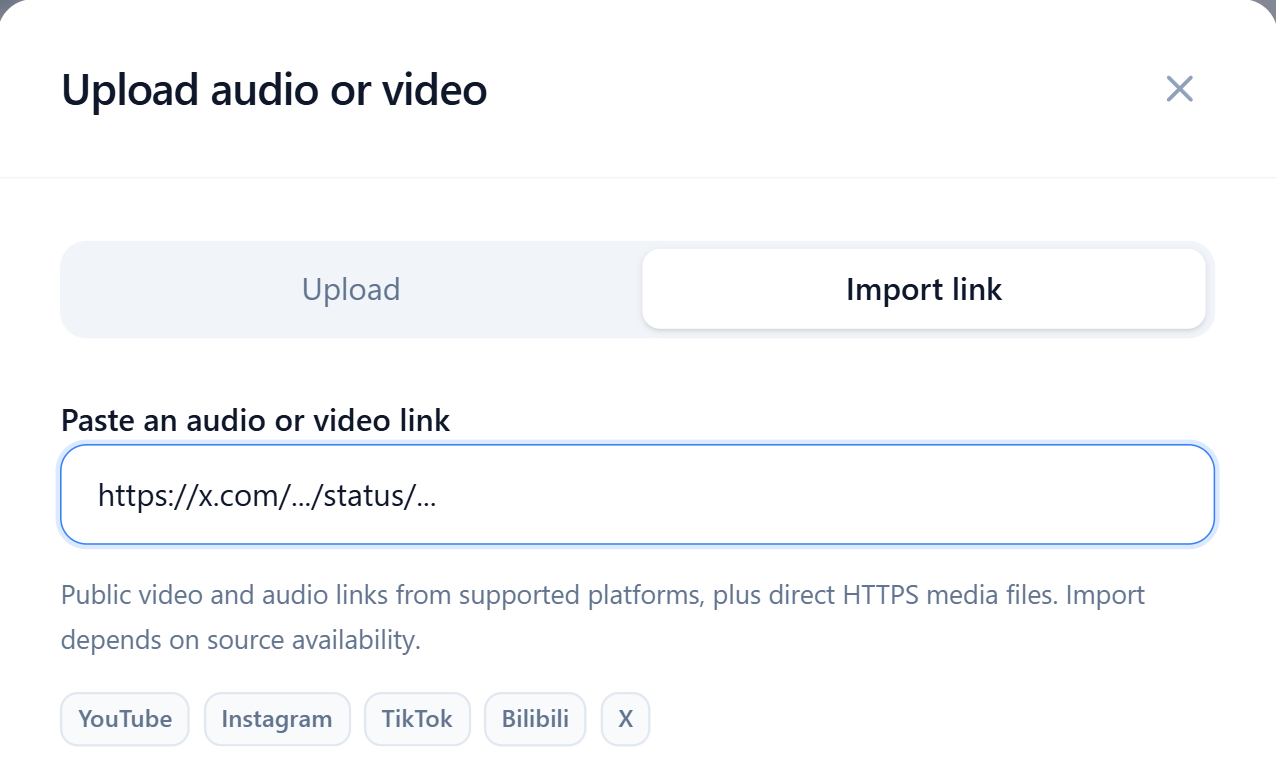
Import video posts from X or Twitter links
Copy the public URL of a post containing a video. Both x.com and twitter.com are supported. Import depends on the source video being accessible.
Turn X video speech into searchable text, then replay unfamiliar names and places to check what you heard.
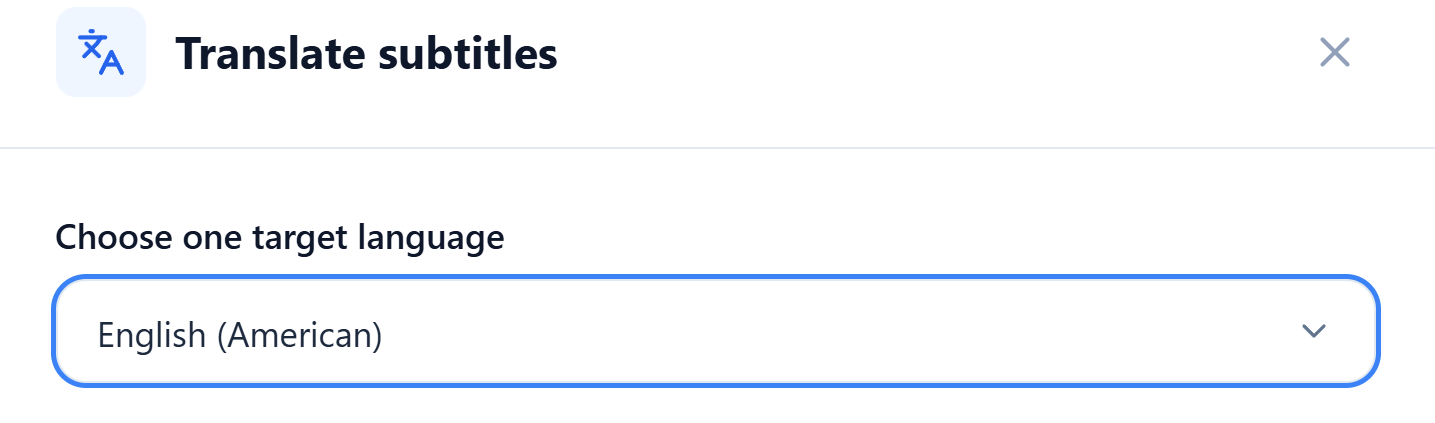
Understand the wording in news and interviews
Translate the original subtitles into English, Chinese or another supported language. Edit the original and translation line by line to check proper names in news clips and conversational phrases in interviews.
When quoting a clip, keep the context and replay the original audio to confirm the speaker’s wording.
Watch the original and translation in one player
Once a translation is saved, switch to bilingual display and open cinema mode to see both subtitle languages. Pause or change playback speed to listen again when a sentence is hard to catch.
To add subtitles to a Twitter video, export a separate SRT file for a compatible player or editing tool.
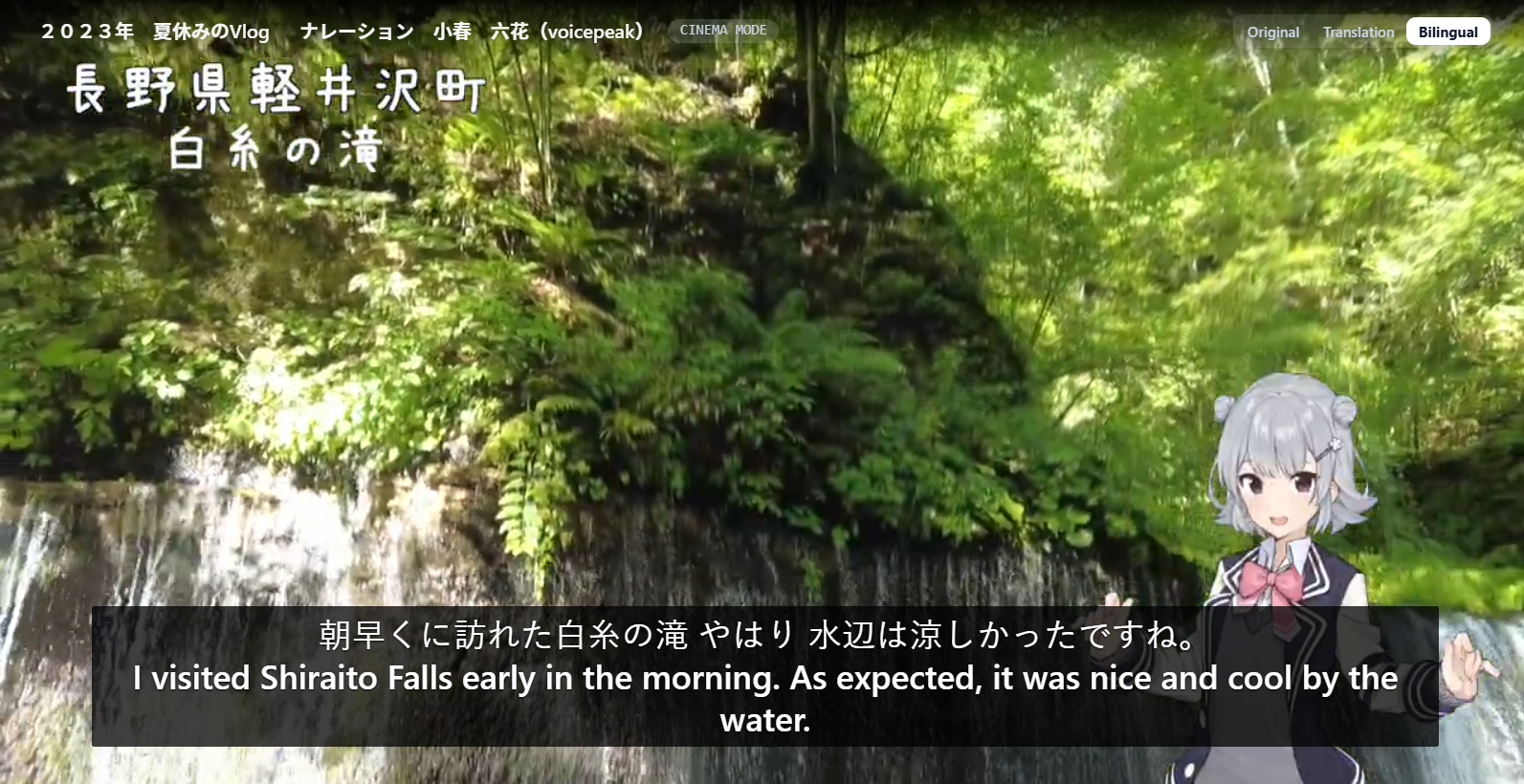
Understand the next foreign-language video that catches your eye
Follow each speaker’s words with bilingual subtitles.