Generate Instagram Reels subtitles and follow every line
Turn speech and dialogue from IG videos into text, then translate it into a language your audience understands.
Prepare subtitles and translations for Reels
- 1
Paste the public video link
Copy the full URL of an Instagram Reel or video post.
- 2
Review the original, then translate
Select the spoken language to generate subtitles. Check the dialogue, then choose a target language and generate the translation.
- 3
Continue editing with your subtitles
Choose the subtitle content and format, then import the file into an editing tool that supports it.
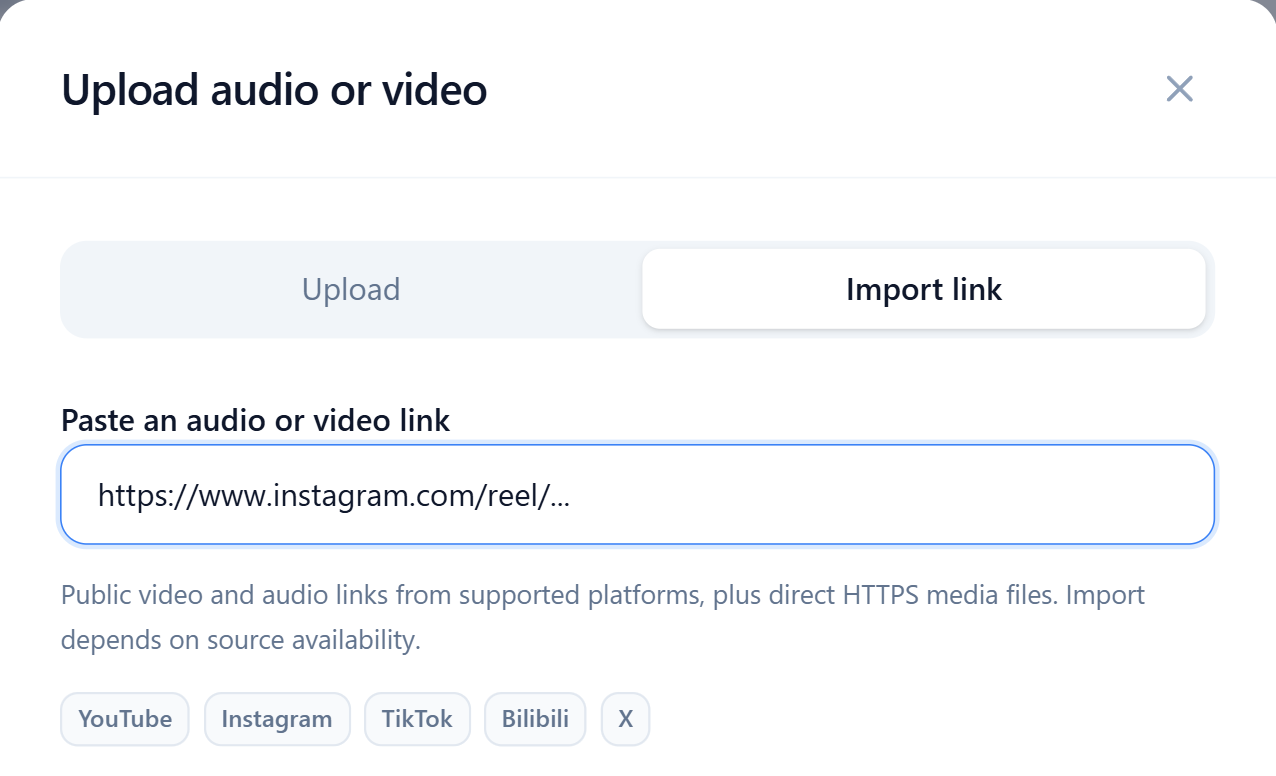
Import Reels and video posts from their links
Use an Instagram /reel/ or /p/ video URL. Copy the full HTTPS link to a single post and continue to transcription settings.
Turn the words spoken in the video into a transcript you can edit, whether it contains narration, voiceover or dialogue.
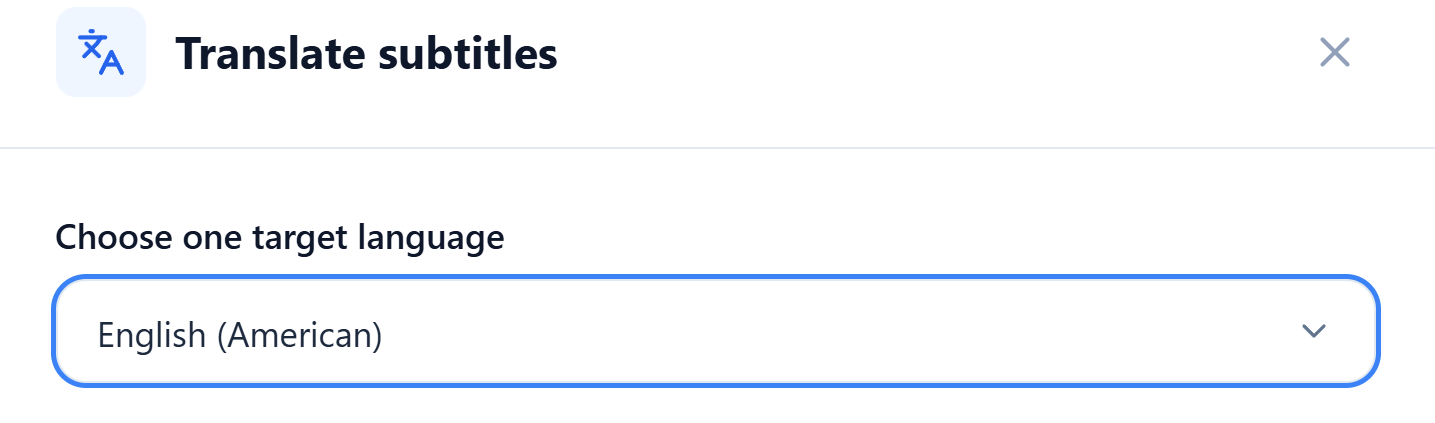
Translate the dialogue for your audience
Choose English, Chinese or another supported target language to generate translated subtitles. Edit both the original and translation line by line to check product names, slang and everyday expressions.
Export translated subtitles for multilingual social content, or choose the original and translation together to review both versions.
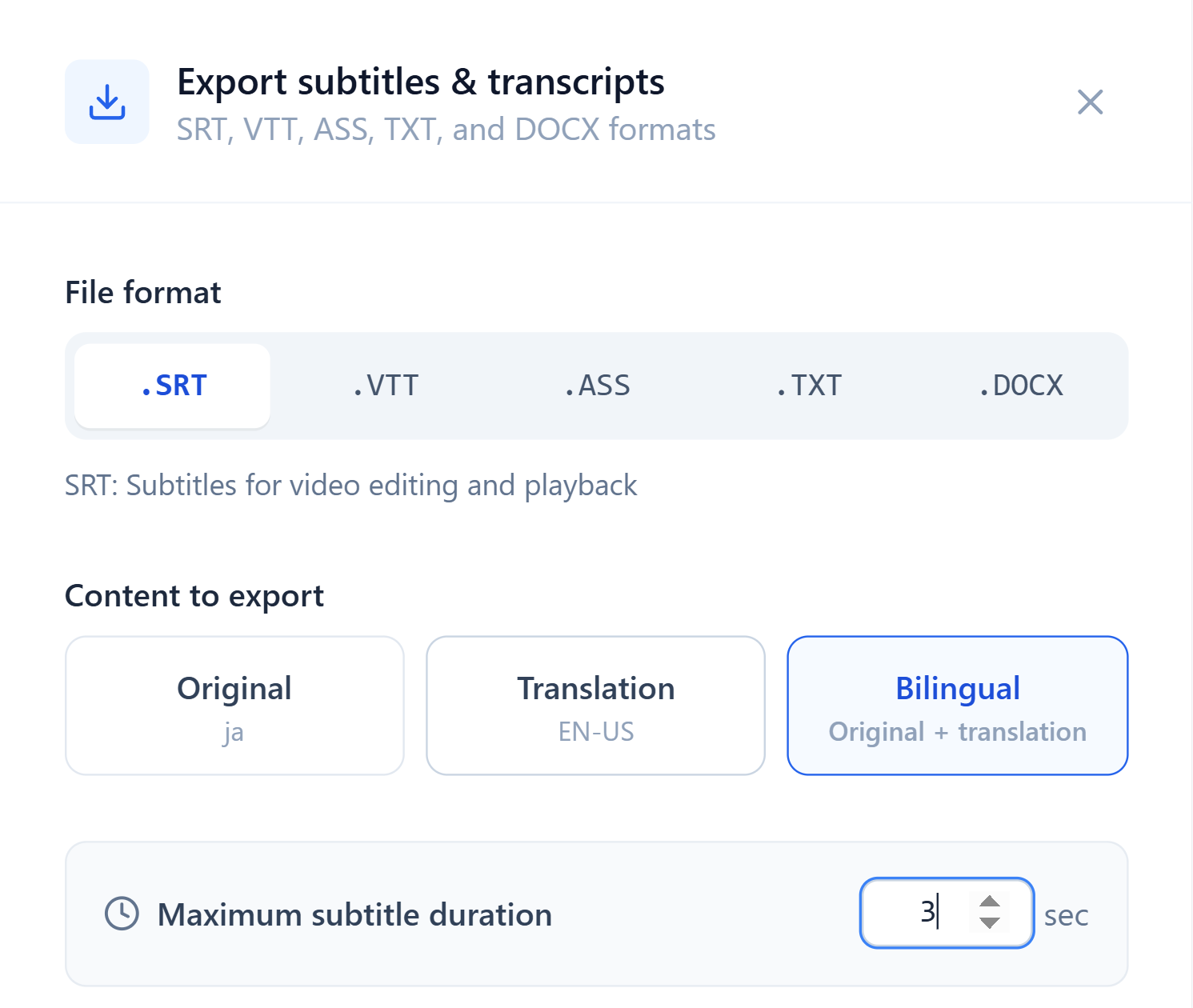
Set subtitle duration, then adjust the portrait layout
Set the maximum duration of each subtitle when exporting SRT to split longer segments. Choose the original, translation or bilingual content.
To add subtitles to an IG video, import the file into a compatible editing tool, then adjust the font size, position and line breaks for the portrait frame. If you only need the dialogue, export a TXT transcript.
Prepare multilingual subtitles for your next Reel
Present speech and dialogue in a language your audience understands.