Generate Bilibili subtitles in your language
Generate original-language subtitles and English translations for Bilibili videos.
From Bilibili videos to bilingual subtitles
- 1
Copy the public video link
Open the Bilibili video page, copy its full URL and paste it here.
- 2
Transcribe the original audio
Select the language spoken in the video, then generate and review the original subtitles.
- 3
Add an English translation
Choose English (American) as the target language, translate, then switch to bilingual viewing.
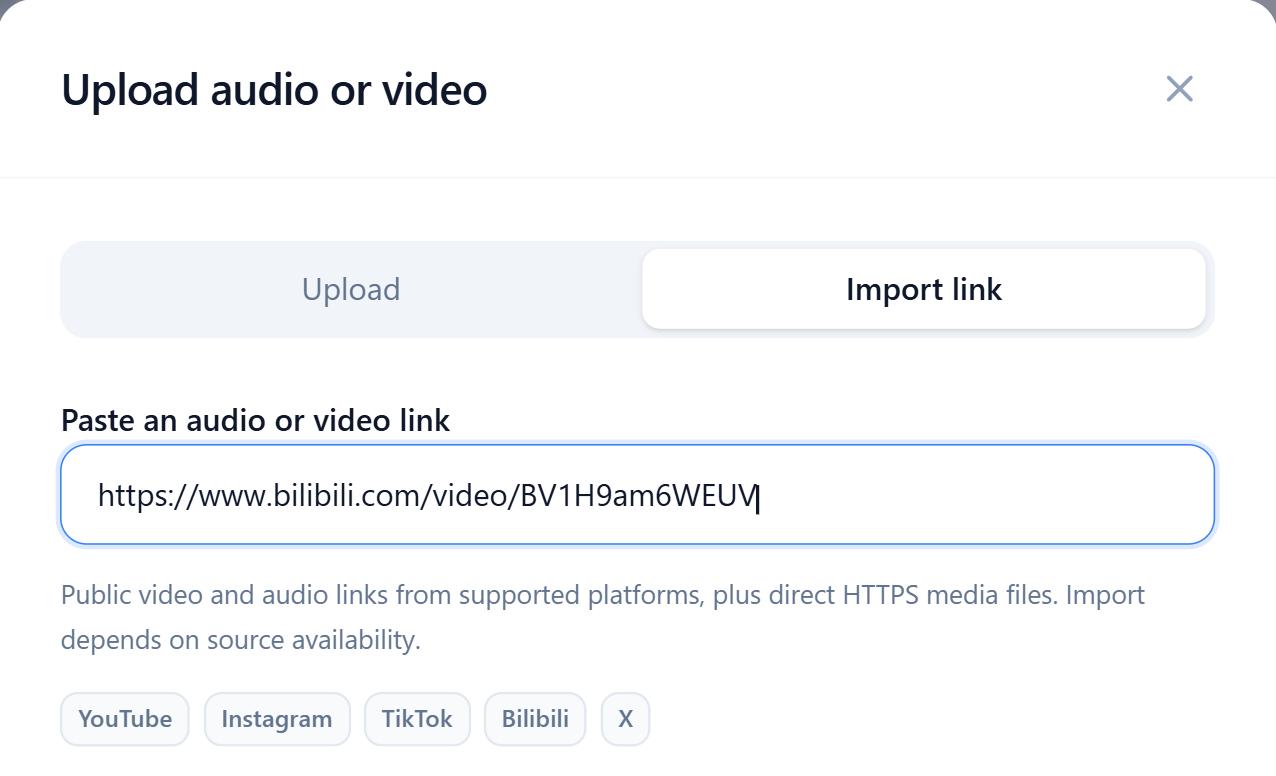
Import BV video pages or short share links
Copy the full HTTPS URL of the video page associated with the BV ID, or paste a b23.tv share link.
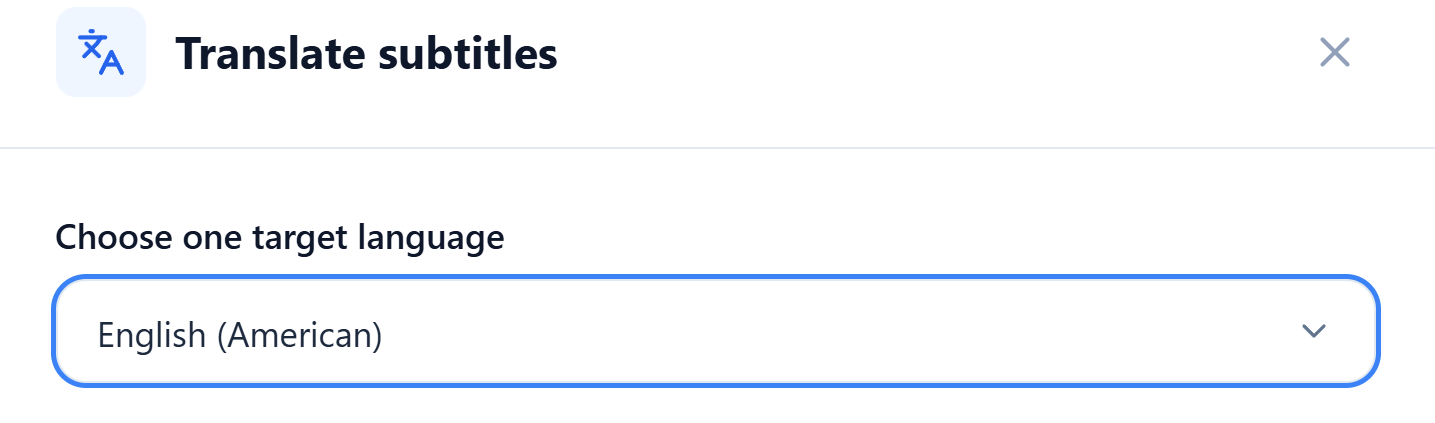
Add English translations to lectures
Set the transcription language to match the speaker. Choose English (American) or another supported language for the translation.
Edit the original and translation line by line, then save after checking names and course terminology.
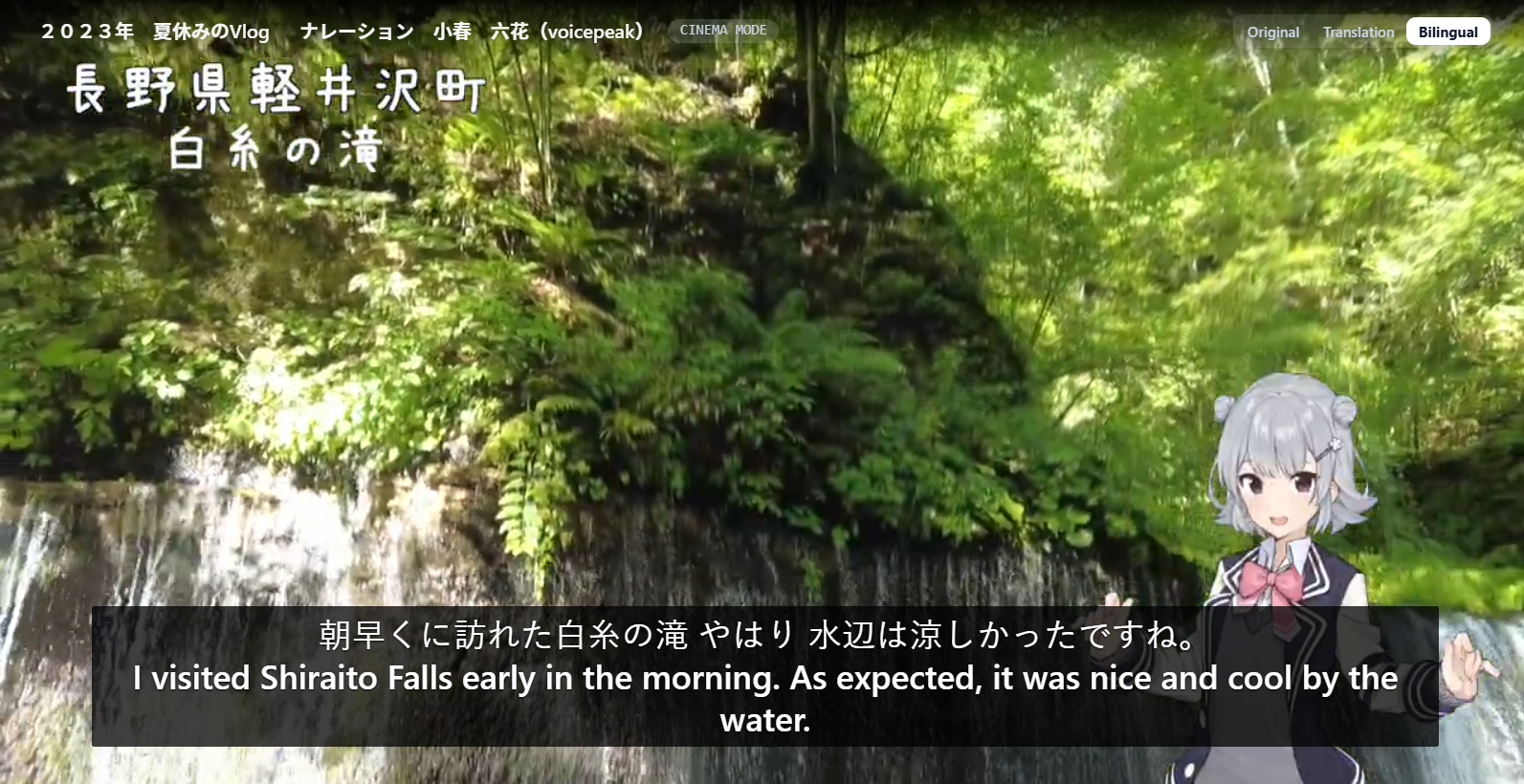
Compare the original and translation while watching documentaries
Cinema mode displays bilingual subtitles in sync with the video. Pause on an unfamiliar expression to compare the lines.
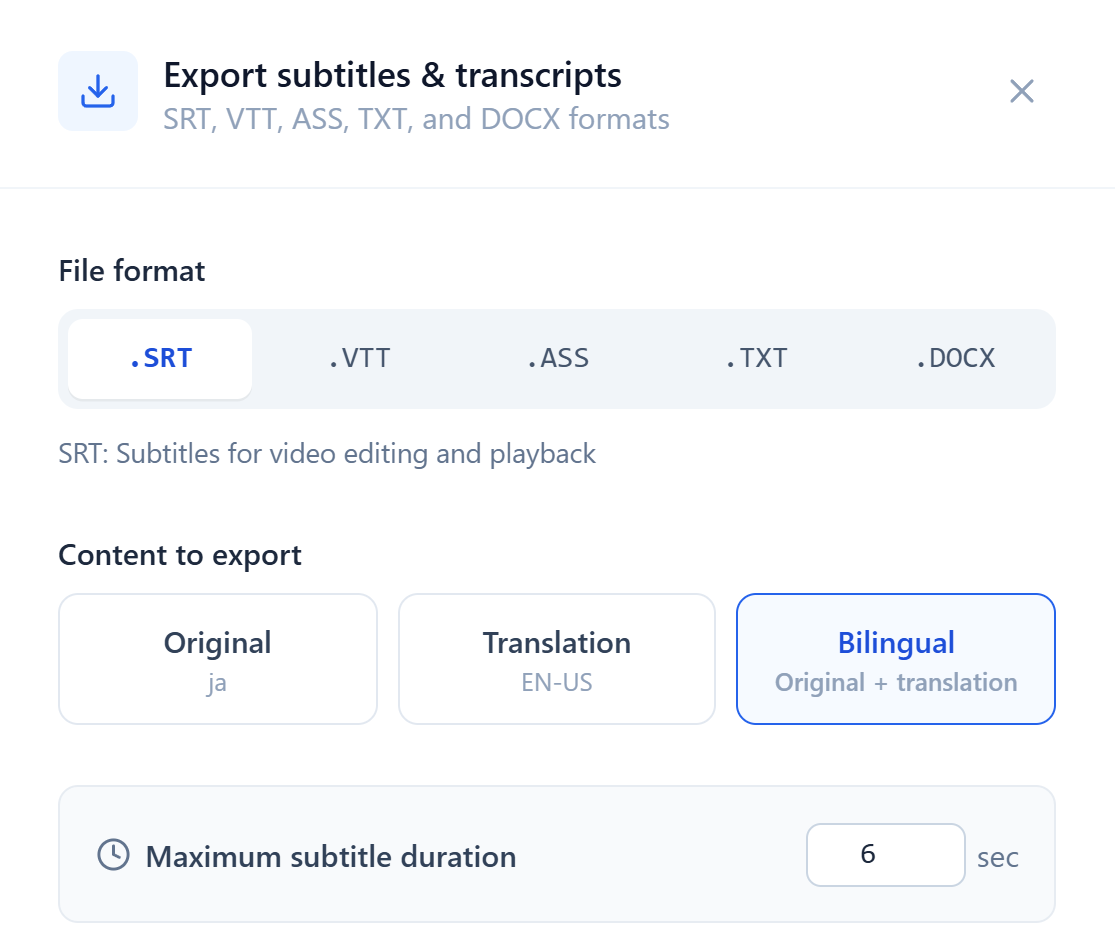
Keep subtitle timings or export lecture transcripts
SRT, VTT and ASS retain video timings. With a saved translation, export the original, translation or bilingual subtitles for a compatible player.
Export video transcripts as TXT or Word (DOCX) files for easy copying, editing and organizing your notes.
Add subtitles to the videos you have saved
Check unfamiliar terms, then return to the video for context.