Japanese to English Subtitles
Follow Japanese videos in English, with the original dialogue alongside.
From Japanese speech to English subtitles
- 1
Add a Japanese video
Paste a public video link from a supported platform or upload a video or audio file. Choose Japanese as the audio language.
- 2
Review, then translate into English
Replay unclear lines and save corrections to the Japanese transcript. In Translate subtitles, choose English (American).
- 3
Watch with one language or both
Open Cinema mode to follow the English translation or compare it with Japanese. Export the subtitle version you need.
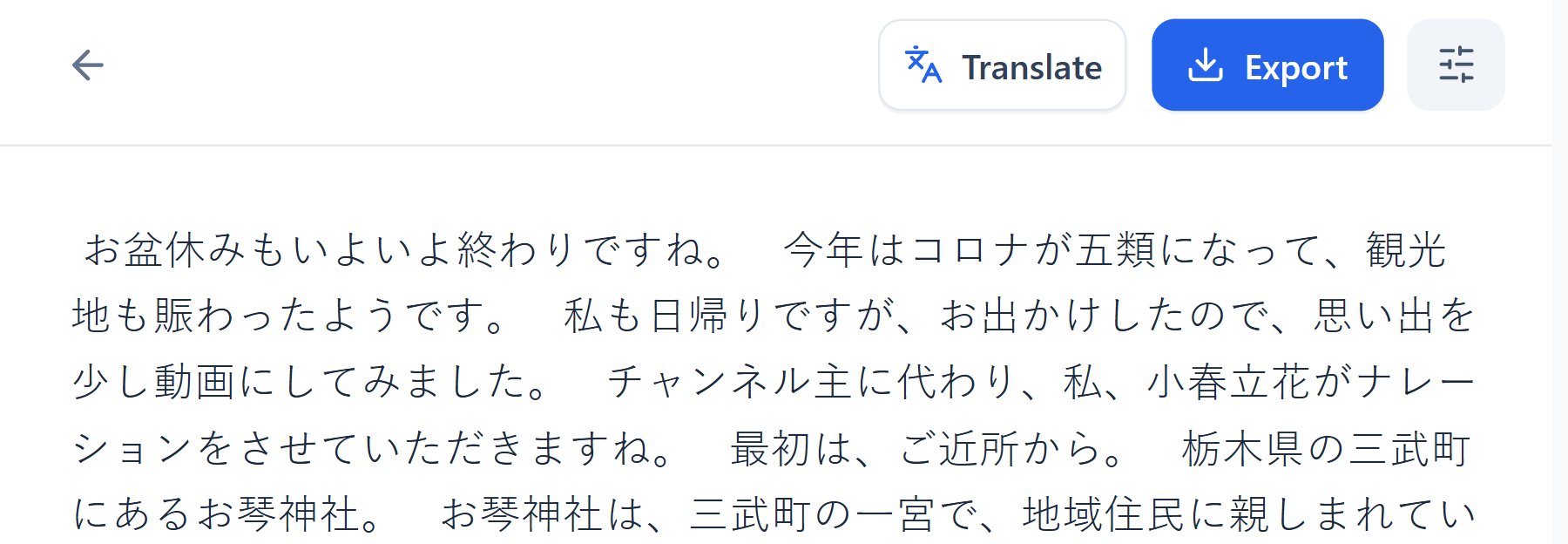
Get names and dialogue right before translating
Click a line in the Japanese transcript to replay that passage. Check names, places and character references, then save your edits so the translation starts from the corrected text.
A Japanese interview, a travel vlog or a saved VTuber stream can be easier to follow when you can return to a particular line.
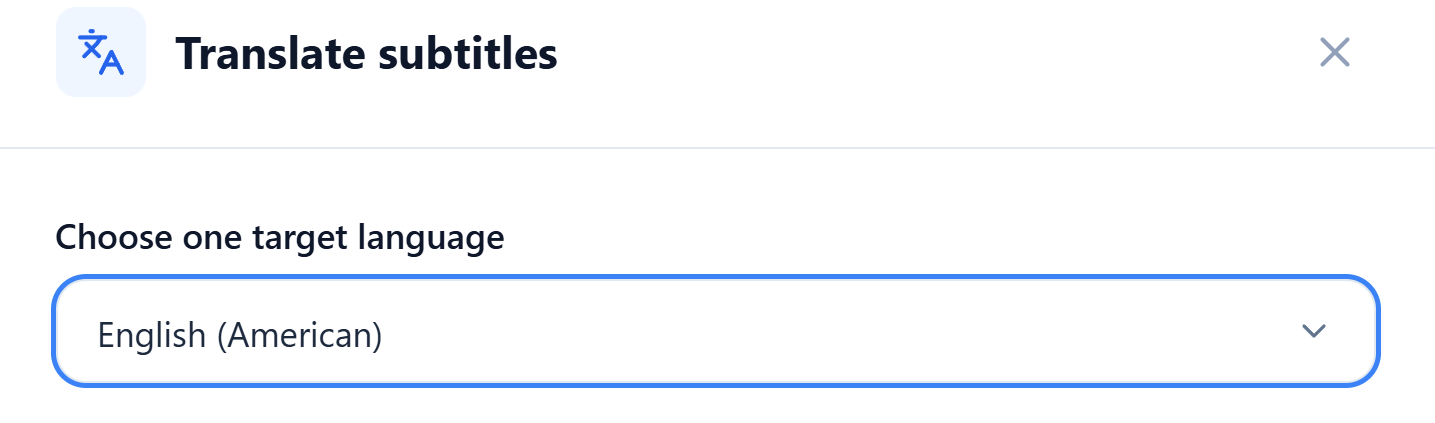
Read English beside the Japanese
Select English (American) in Translate subtitles. Once the translation is ready, you can edit the English wording and the Japanese original separately.
In Cinema mode, choose Bilingual to keep both languages on screen. Pause and replay a line to compare the Japanese dialogue with its English meaning.
Export English captions or Japanese–English subtitles
Choose Original to keep Japanese, Translation to keep English, or Bilingual to include both. Export SRT, VTT or ASS subtitles for compatible players and editing tools.
For a transcript you can copy and organize, export a TXT or Word (DOCX) file with the same language choice. Use the English text for notes or keep Japanese and English together for comparison.
Follow your next Japanese video in English
Keep the dialogue and its English meaning together.